The Quiet Mechanical Keyboard Built for Deep Work
Loud clicky switches are a meme. The best keyboards for serious typing are the ones you barely hear. Our pick under $200 — and one splurge worth saving for.
The internet sells you mechanical keyboards by the sound. Tactile clicks, satisfying thocks, deep poppy bottom-outs. Watch any keyboard review on YouTube and the soundtrack is the keyboard itself. This is a marketing strategy, not a productivity strategy. The best keyboard for actual focused work is one you stop noticing entirely.
What "quiet" means in mechanical keyboards
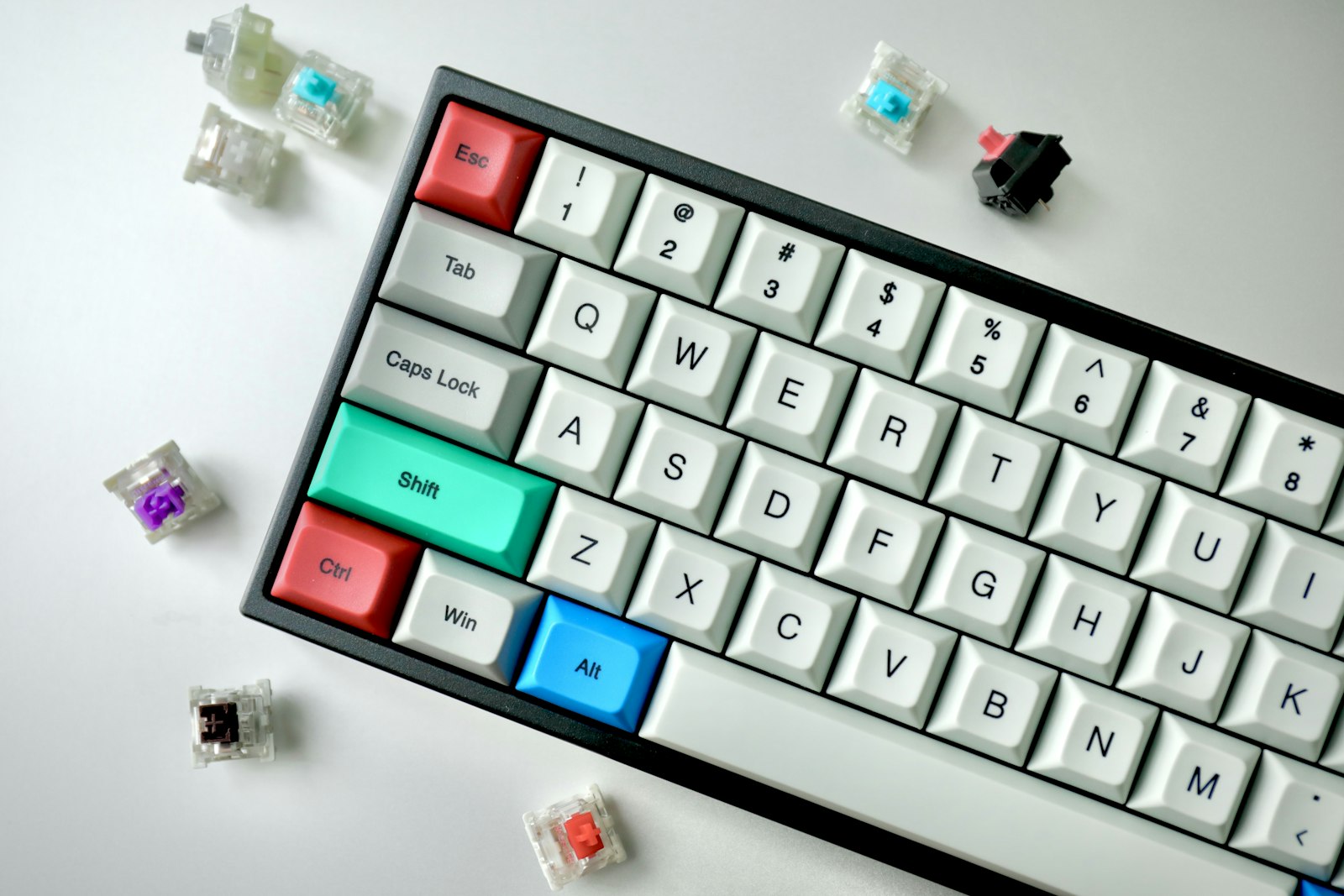
Every mechanical switch makes some sound, but the difference between switch types is enormous. Linear switches (red, black, yellow) have no tactile bump and no audible click. Tactile switches (brown, clear) have a small bump but no click. Clicky switches (blue, green) have both bump and click. For a quiet office, anything labeled "clicky" is a non-starter. Even open-plan tolerant coworkers will hate you within a week.
The quietest switches on the market right now are silent linear variants — the Cherry MX Silent Red, the Gateron Silent Yellow, and a handful of boutique options. They use small dampeners on the stem to absorb the bottom-out and top-out sound. The result is a keyboard that, with proper case dampening, is barely louder than a quality membrane keyboard.
Why this matters for focus
Sound is cognitive load. The reason loud keyboards feel "satisfying" in short bursts is the same reason they tax your attention over long sessions. Every click is a tiny interruption your brain has to process. Switch to a silent linear and the typing feedback moves entirely to your fingers — where it belongs. After a week, you will not miss the noise.
The case matters more than the switches
Two keyboards with the same switches can sound completely different depending on the case. A hollow plastic shell amplifies every keystroke into a tinny rattle. A heavy aluminum case with foam dampening absorbs the same keystrokes into a soft thud.
The components that matter most: a layer of foam between the PCB and the plate, a layer between the plate and the case, and a heavy bottom (aluminum or brass). Boutique keyboards often add silicone sound dampening at multiple layers, which is one of the reasons they cost so much.
The under-$200 pick
The Keychron Q1 Pro hits the sweet spot for most buyers. The aluminum case is heavy and well-damped. The PCB is hot-swappable, so you can change switches without soldering. The wired and wireless modes both work flawlessly with macOS, Windows, and Linux. With Gateron Silent Yellows installed, it's whisper-quiet but still satisfying to type on.
A few things to know: the Q1 Pro is heavy — about three pounds — so it doesn't move around on your desk, but it's not a travel keyboard. The default keycaps are decent, but upgrading to PBT keycaps in a thicker profile noticeably improves both feel and sound. Plan to spend an extra $50 there if you want the full experience.
The splurge: a custom build
If you write for a living and want the best, the next tier up is custom mechanical keyboards. Builds from group buys (Mode, Bauer Lite, Mr. Suit) typically run $400 to $700 for the case and PCB alone, plus another $100 for switches and $80 for keycaps. The difference in sound and feel is real but subtle. For most people, it is not worth the price. For people who type 40,000 words a week, it is.
The reason custom builds sound and feel better is the precision of the case machining and the gasket-mount construction that lets the typing surface flex slightly under each press. The result is a softer, more forgiving keystroke that reduces finger fatigue over long sessions.
What to skip
Skip keyboards marketed as "gaming" unless you're actually buying a gaming keyboard. The RGB lighting, the dedicated macro keys, the proprietary software — none of it helps you write a report. You're paying for features you'll never use, while sacrificing build quality.
Skip the "gateway" mechanical keyboards under $80. They use the cheapest possible cases and switches, and the typing experience is no better than a $30 membrane keyboard.
Skip wireless-only keyboards if you're a professional. Bluetooth latency on heavy days is a real frustration. A keyboard that supports both wired and wireless gives you the option, which matters when you're on a video call and the battery dies.
The bottom line
Buy a heavy keyboard with silent linear switches and good dampening. Spend the money on the case, not the lights. Type on it for two weeks. You'll never go back to a laptop keyboard for serious work again.